
The Fastest and Easiest Way to Create Stunning Product Pages
No Limits. No fuss. No coding.
FEATURES & HIGHLIGHTS
We analyze & monitoring your application
-
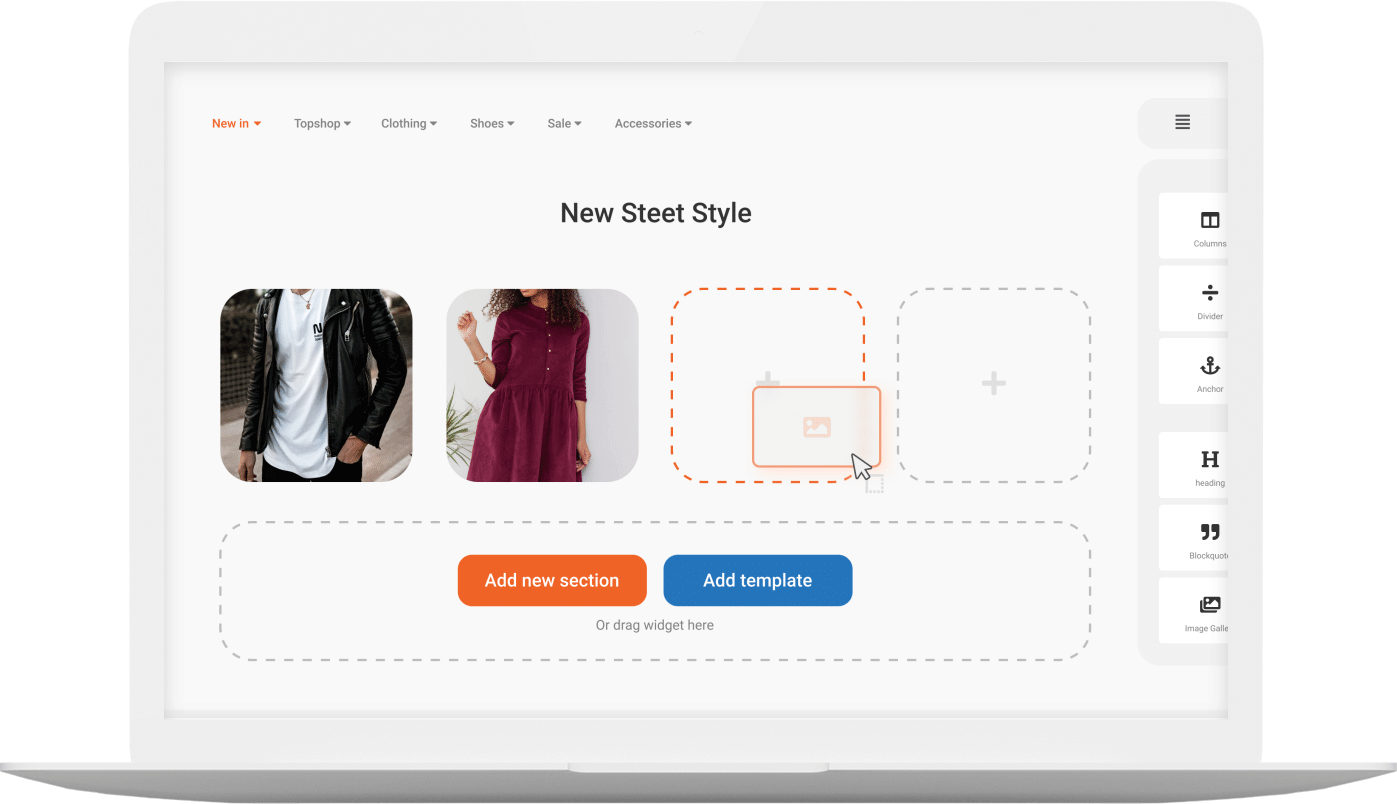
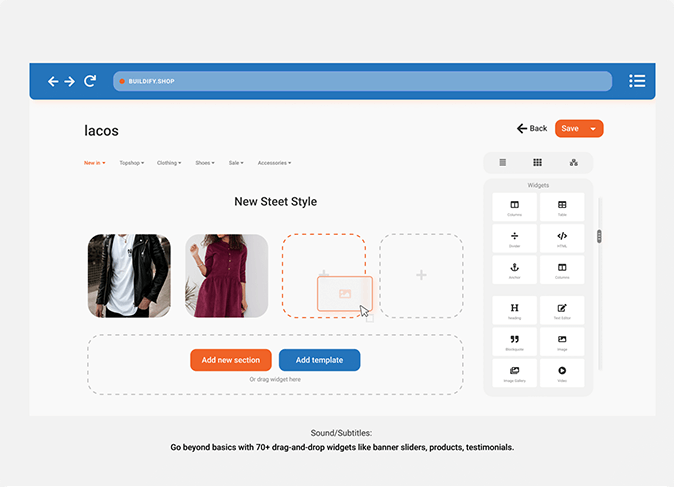
Drag&Drop
Widgets are easily arranged within the page
-
Choose one, Callback or Rollback
Configuration can easily be restored to a previous version
-
Support
Instant access to customer support via the built-in chat box
-
Responsive Layout
Pages render well on a variety of devices and screen sizes
-
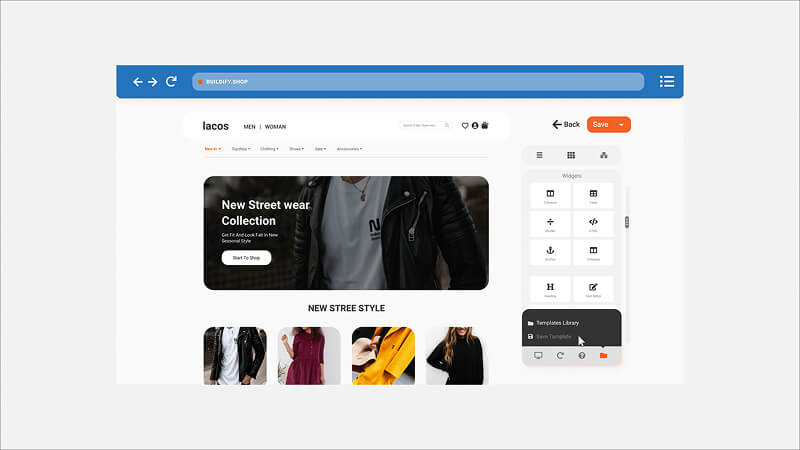
Page Templates
Pre-made ready-to-use page templates
-
Fixed Pricing
Access to all the features for a fixed monthly fee
-
Theme Media Storage
Native Shopify CDN for uploaded images
-
Partner Promo
Use app for free until the store is live
DEMO VIDEO
Watch the one-minute video and See Buildify Page Builder in Action!
PRICING
Unlimited Access for a Fixed Monthly Fee
-
Free
$0/month14-day free trial
- 1 pages to publish
- Drag-and-Drop Page Builder
- 75+ Widgets
- 50+ Ready-made Templates
- 24/7 Live Сhat Support
- Free Stock Images
-
Starter
$9.99/month14-day free trial
- 15 pages to publish
- Everything in Free plan
-
Advanced
$19.99/month14-day free trial
- 50 pages to publish
- Everything in Starter plan
- Priority Support
-
Unlimited
$29.99/month14-day free trial
- Unlimited pages to publish
- Everything in Advanced plan
- Dedicated Support Manager
BUILDIFY DOCUMENTATION
Read the User Manual and Learn More About Buildify and It Full List of Features and Functionalities.
READ MORE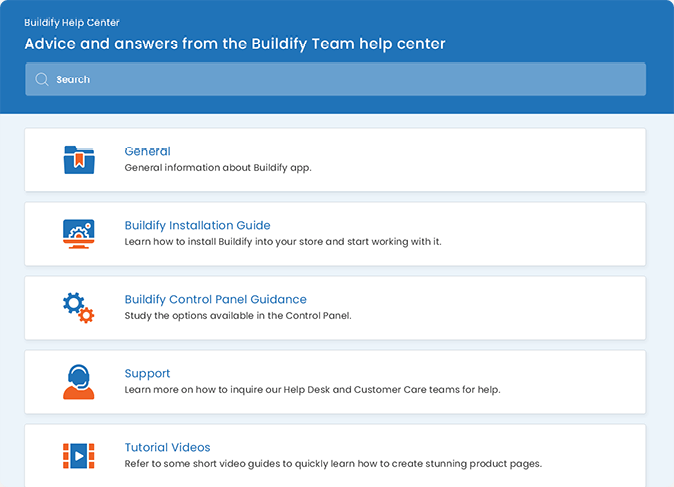
PAGE CUSTOMIZATION
Install Buildify Today and Quickly Create High Converting Product Pages Using Multiple Widgets and Limitless Design Options.
ASKED QUESTIONS
Questions? We're here to answer
[email protected]
To display the content created in the application, you need to install application assets (CSS styles and code snippets). Refer to the following to install the app onto the theme:
- Go to the "Themes" section in the main menu.
- Click the "Install" button for the theme you need to use.
With Buildify, you can manage:
- Product descriptions
- Product collection descriptions
- Page content
- Blog post content
Additionally, you can edit the titles and handles of previously saved items using the Page Settings panel.
With Buildify you get able to manage:
- Main content (pages, products etc.), created with Buildify, will be displayed correctly only with themes, for which you have installed application assets (see previous question in the FAQ list).
- Buildify can't manage Shopify's system pages such as cart, search, checkout etc and LangShop's system pages such as search.
Buildify offers a pre-made slider widget. Locate "Image Carousel" in the widget panel and drag and drop it into your content.
The widget configuration allows you to manage slides, animation styles, and many other settings.
A tabbed navigation at the top of Buildify panel allows you to jump between the settings of a specific element. Each content element can have its own style that is different from the global settings.
Adding a headline or text with a different font and color is possible as well as specific margins and padding settings.
For more information, please visit Help Center